
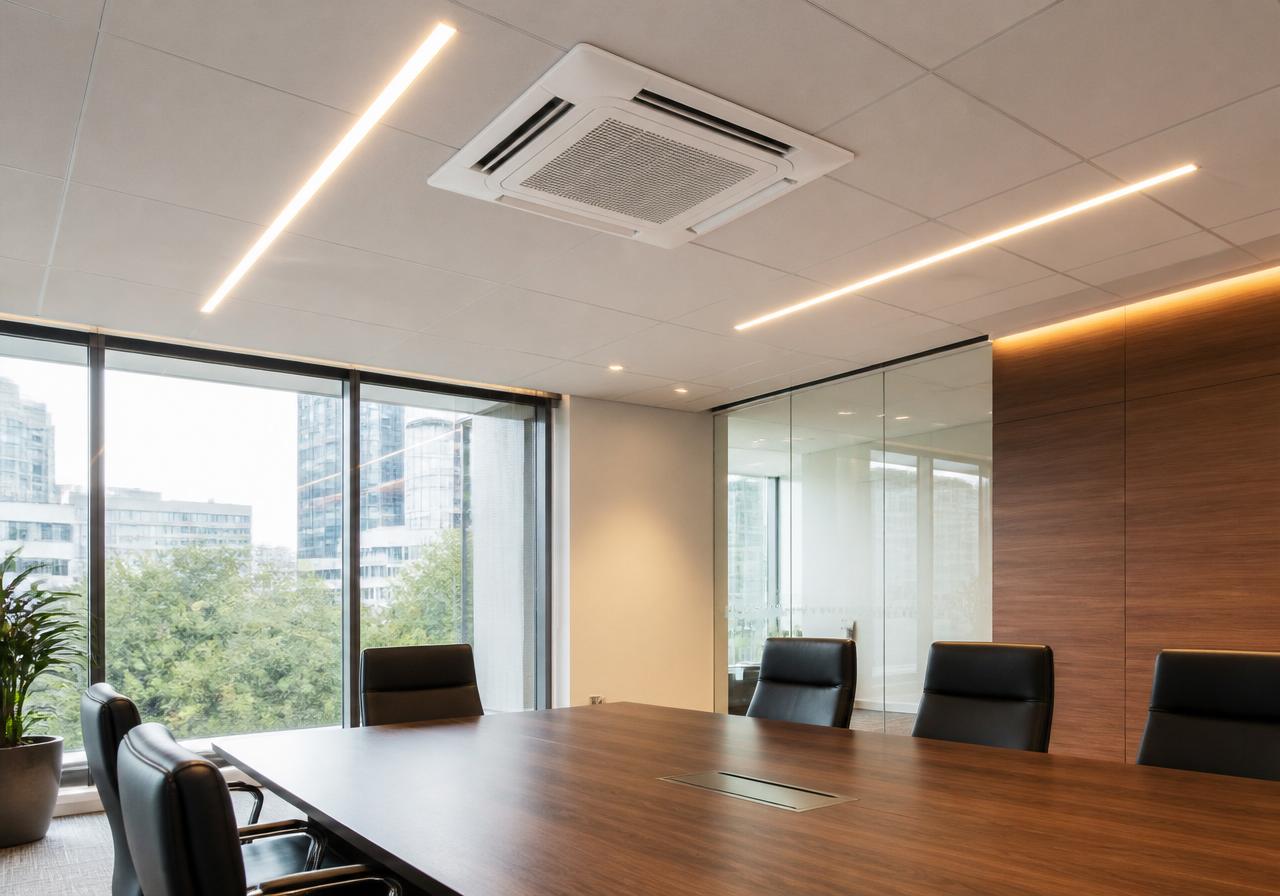
The biggest change in domestic air conditioning over the last few years is not the hardware; it is the control. A basic remote is fine for turning the unit on and off, but a smart controller lets you schedule, monitor, zone and automate the system from your phone. For homes and small businesses in Derbyshire, that usually means never coming home to a hot house, never heating an empty office, and seeing exactly how much energy the system is using. This guide explains what smart controls do, how they are fitted, and what to look for when choosing a system.
Key takeaways
- Most modern inverter splits accept an optional Wi-Fi module or have one built in.
- Smart controls let you schedule temperatures by time and day, cutting wasted runtime.
- Remote access means you can cool or heat a room before you arrive home.
- Energy monitoring and usage reports help identify inefficient settings.
- Voice control via Alexa or Google Assistant is available on many systems.
What smart controls actually do
At their simplest, smart controls replace the infrared remote with an app. At their best, they integrate the air conditioning into your home or building management system. The core features are scheduling, remote control, mode and temperature presets, energy reporting, and geofencing. Some also support open protocols that let a broader smart home platform control them.
- Scheduling: set different temperatures for weekdays, weekends and night time.
- Remote control: turn the system on before you get home from work.
- Energy monitoring: see daily, weekly and monthly consumption in kWh.
- Geofencing: auto-off when the last person leaves, auto-on when someone returns.
- Voice control: adjust temperature via Alexa, Google Assistant or Siri shortcuts.
Manufacturer apps versus third-party controllers
Premium manufacturers such as Daikin, Mitsubishi Electric, Panasonic and Toshiba have their own apps. They are reliable, fully featured and designed for their hardware. Third-party controllers like Sensibo or Tado clip onto the indoor unit and mimic the remote. They are a good retrofit option for older units but may not expose every feature.
| Option | Best for | Notes |
|---|---|---|
| Built-in manufacturer Wi-Fi | New installs | Best integration, full warranty support, most features |
| Optional manufacturer Wi-Fi module | Units without built-in Wi-Fi | Clean, reliable, but tied to one brand |
| Third-party smart controller | Retrofit on older units | Flexible and multi-brand, but may lack advanced modes |
Common smart control routes for residential and small commercial systems.
How much can smart controls save?
The savings come from reducing runtime, not from magic efficiency gains. A system left on 18 hours a day at 18°C will use far more than one scheduled to cool for two hours before bedtime and then hold 22°C overnight. Typical savings from sensible scheduling are 15–30% compared to manual on/off operation. In a home office, geofencing that turns the unit off when nobody is home can be the biggest single saving.
Installation and connectivity
Built-in Wi-Fi modules are installed during manufacture and just need pairing to your router. Retrofit modules usually clip onto the front of the indoor unit and plug into a USB or terminal port. They need a stable 2.4GHz Wi-Fi signal. If the unit is in a conservatory or outbuilding with poor signal, a Wi-Fi extender or mesh point may be needed.
Smart control checklist
- Check whether Wi-Fi is built in or requires an optional module before buying.
- Confirm the app works on your phone and has the scheduling features you want.
- Ask about energy monitoring if running costs matter to you.
- For multiple rooms, check if the app can control several units from one screen.
- Make sure your home Wi-Fi reaches the indoor unit reliably.
Commercial and rental properties
For offices, shops and rental properties, smart controls add accountability. You can see which units are running out of hours, lock temperature ranges so staff cannot set 16°C in summer, and receive fault alerts. Some systems offer centralised cloud dashboards for multiple sites, which is useful for chains or landlords with several properties.
Frequently asked questions
Can I add smart controls to an existing air conditioner?+
Often yes. If the unit has an infrared receiver, a third-party controller can usually be added. Manufacturer modules may only fit certain models.
Do smart controls work without internet?+
Local scheduling usually works, but remote access, voice control and cloud features need an internet connection.
Are smart controls worth the extra cost?+
For most households, yes. The convenience and scheduling savings usually pay back the small extra cost within the first year or two.
Can I control multiple rooms from one app?+
Yes. Most manufacturer apps let you group and control every indoor unit connected to your account.